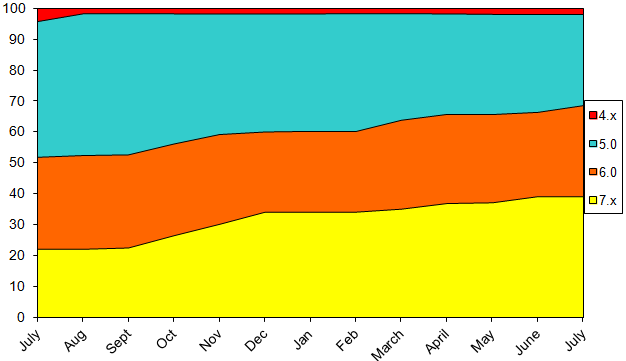
This data was collected by BlackBerry World for downloads of the free BlackBerry strategy game Pixelated. Data shown on the chart is from the beginning of July 2012 through the end of July 2013, and does not include BlackBerry 10 or PlayBook devices.
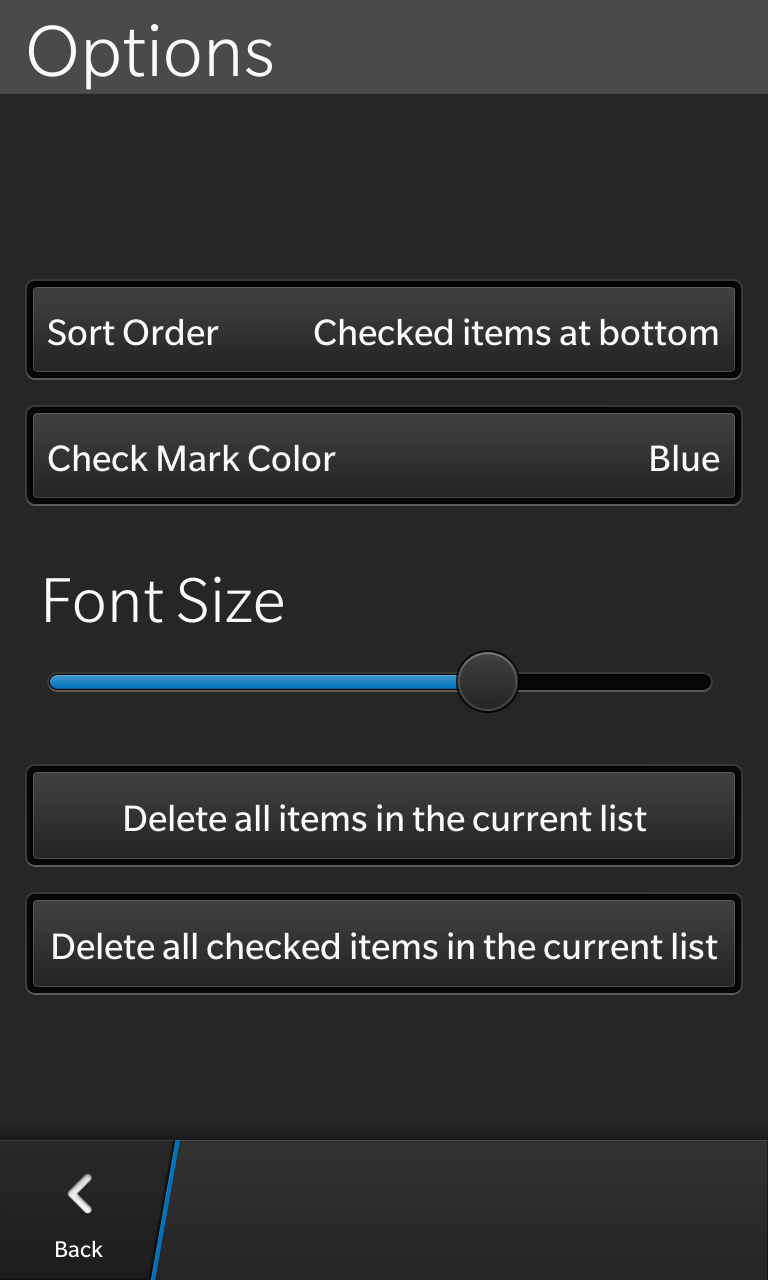
The Stuff I Need app has been updated to version 2.1 in BlackBerry World. This version adds and an entry on the options page that allows you to adjust the font size of your entries, in order to make them larger and easier to read, or smaller so you can fit more onto a page.
About Stuff I Need
Originally conceived as a grocery list app, this minimalistic checklist app can be used to keep track of the stuff you need to get, or the stuff that you need to do. Items on the list can be edited (or deleted) by giving them a long press. Lists can be switched by pulling down on the tab at the top of the screen. This will expose a spinner that shows all of your current lists. New lists can be added by using the “+” button on the right side of the expanded tab. Making use of three or more lists requires the use on a one time in-app purchase.
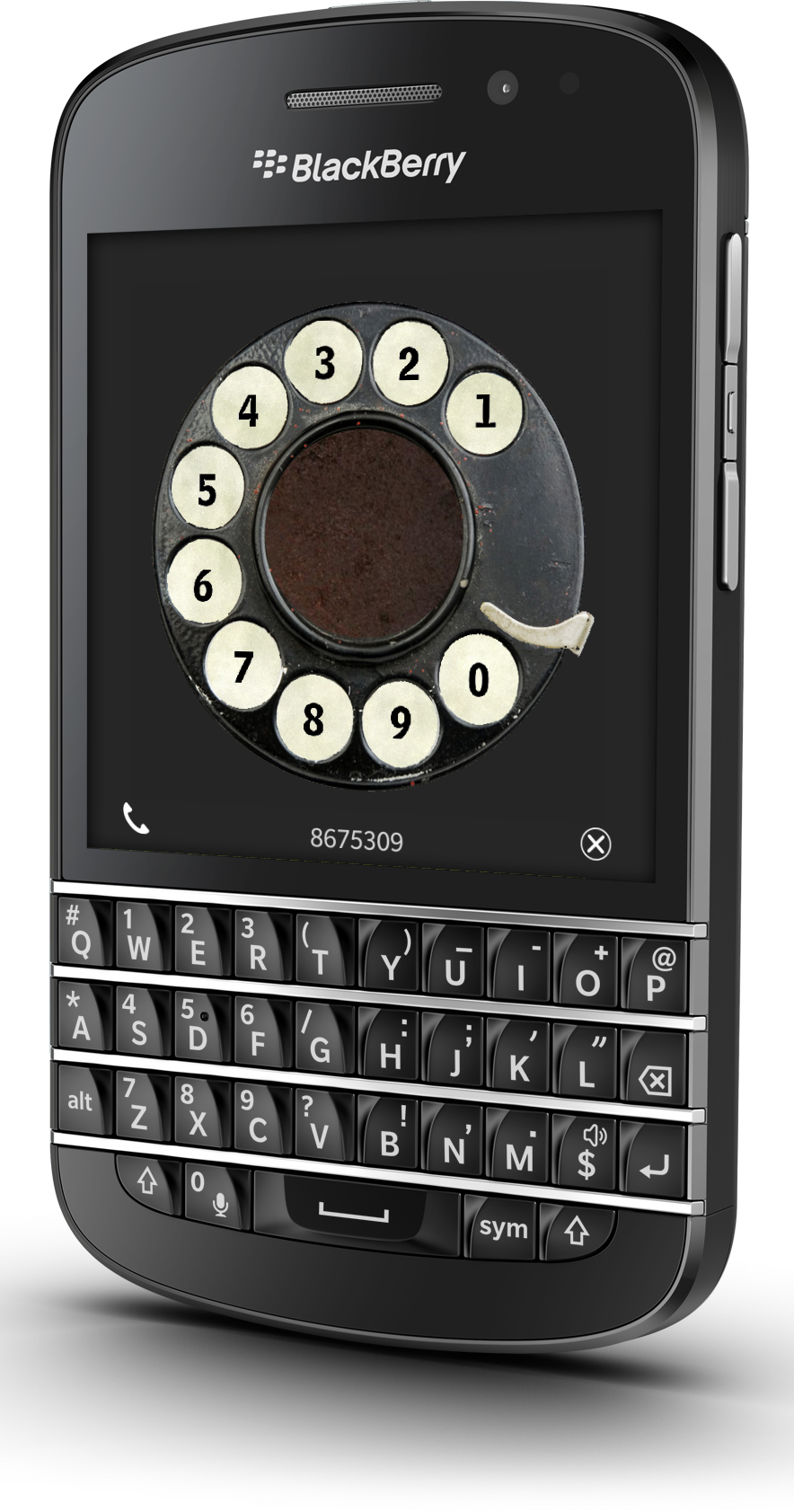
The Rotary Phone app sends your BlackBerry back in time, and gives you a classic rotary interface from which to dial out numbers. There is even a setting that allows you to automatically dial out after seven or ten digits have been entered.
Xploding Boxes has been updated to version 4.6 in order to expand to 400 unique levels. The game supports BlackBerry phones both with and without touchscreens all the way back to OS 5.0 as well as BlackBerry 10, and the PlayBook, in addition to support for Android phones and tablets (including the Nook and Kindle), and also supports Windows 8 devices such as the surface.
About Xploding Boxes
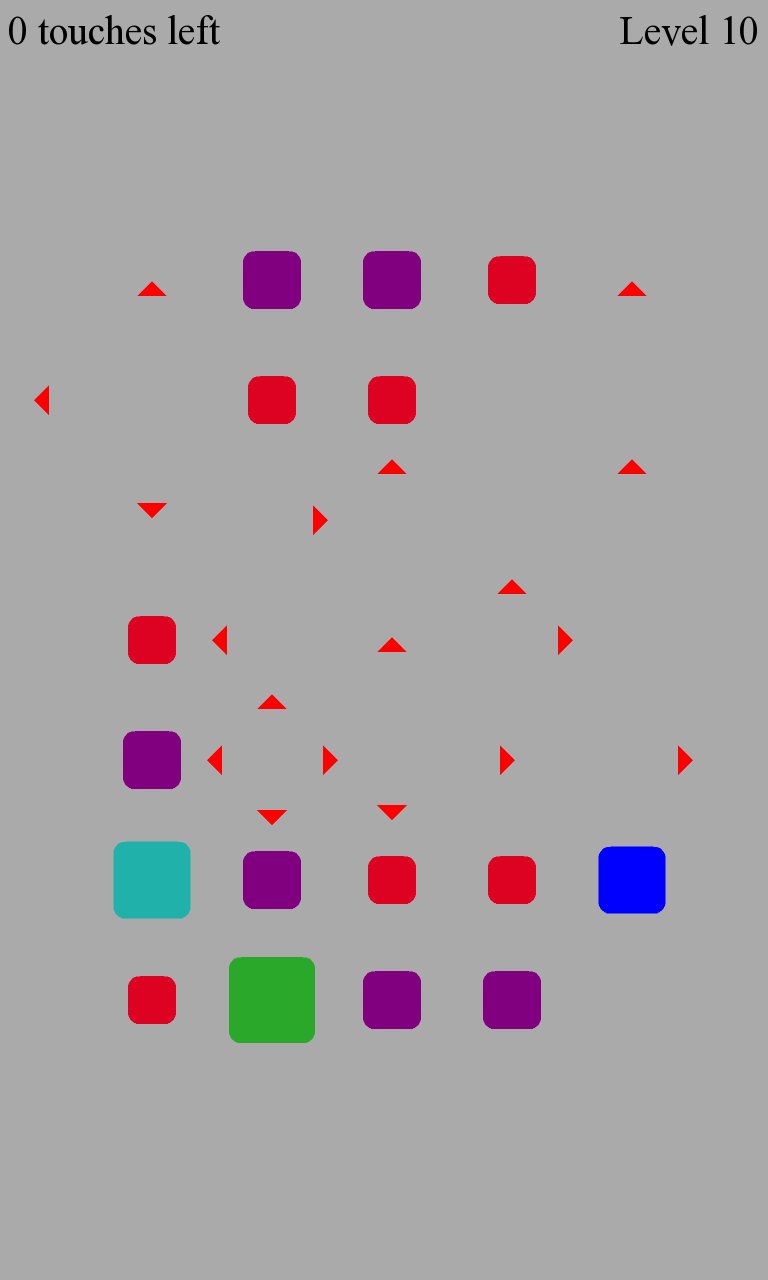
Xploding Boxes is a strategy game for BlackBerry, Android, Nook, Windows 8, and BlackBerry 10 where the goal of the game is to start a chain reaction that will explode all of the boxes on the screen. Each level gives you a different number of touches, and requires a different strategy to solve.
The game itself, and the first 25 levels are available for free, while an in-app purchase can be used to access the rest of the levels for just $2.99 while maintaining your progress from the free levels.
C – Create new event E – Edit currently selected event Del – Delete currently selected event T – Scroll to Top of the list B – Scroll to Bottom of the list Space – Scroll down one page Shift+Space – Scroll up one page
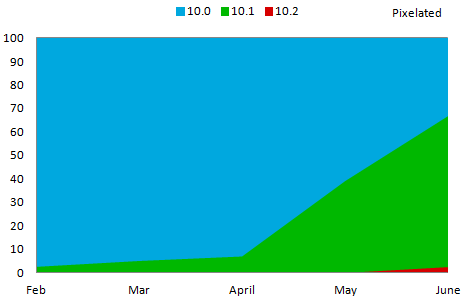
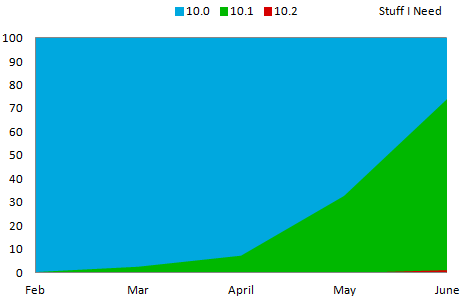
The numbers for May were a little disappointing, but June found the majority of BlackBerry 10 users running the newest OS version. The two charts below show the percentage of BlackBerry 10 users running each OS version for the game Pixelated and the Stuff I Need check-list app.
For the month of June, both of these apps showed over two thirds of users running OS 10.1 on their phones. While adoption of the newest OS versions is lagging behind what we saw for the PlayBook, it is still far better then what we have seen on the old BlackBerry OS.
This data was collected by BlackBerry World for downloads of the free BlackBerry strategy game Pixelated and the free checklist app Stuff I Need. Data shown on the chart is from the beginning of February 2013 through the end of June 2013.
Do you ever get the feeling that your BlackBerry 10 phone is too practical and too new? Do you feel like the term ‘dial’ has lost some of it’s meaning now that you can call numbers without having anything physically spun? Do you ever wish that you could go back to days of entering one number at a time? If so mount your BlackBerry to the wall and download the Rotary Phone app.
This app simulates an old school dial phone, and gives you a classy way to call your friends. There is also an option avalible through the swipe-down menu that allows the set the phone to automatically dial out once the number reaches 7 or 10 digits long in order to better simulate the old dial phones.
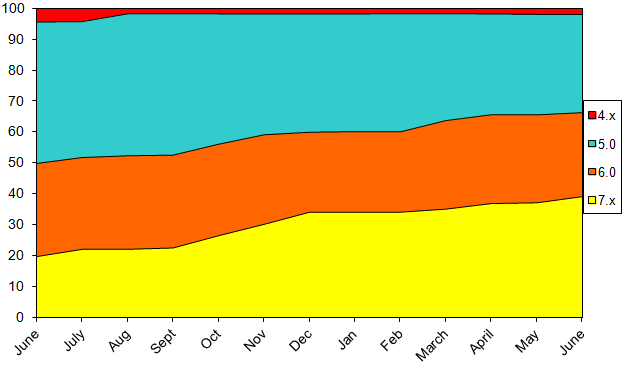
The month of June saw slight increases in the percentage of BlackBerry users on the newer OS versions. The use of OS 7 increased by two percentage points over the month to 39.2% of BlackBerry users. Meanwhile the use of OS 6 (or higher) was also up slightly, and is now at 66.5%.
This data was collected by BlackBerry World for downloads of the free BlackBerry strategy game Pixelated. Data shown on the chart is from the beginning of June 2012 through the end of June 2013, and does not include BlackBerry 10 or PlayBook devices.
C – Create new item T – Scroll to Top of the current list B – Scroll to Bottom of the current list Space – Scroll down one page Shift+Space – Scroll up one page
The Mileage Tracker app has been updated to version 1.3 in BlackBerry World. This update to the free BlackBerry 10 app is mostly centered around improvements to the export options within the app.
New in version 1.3
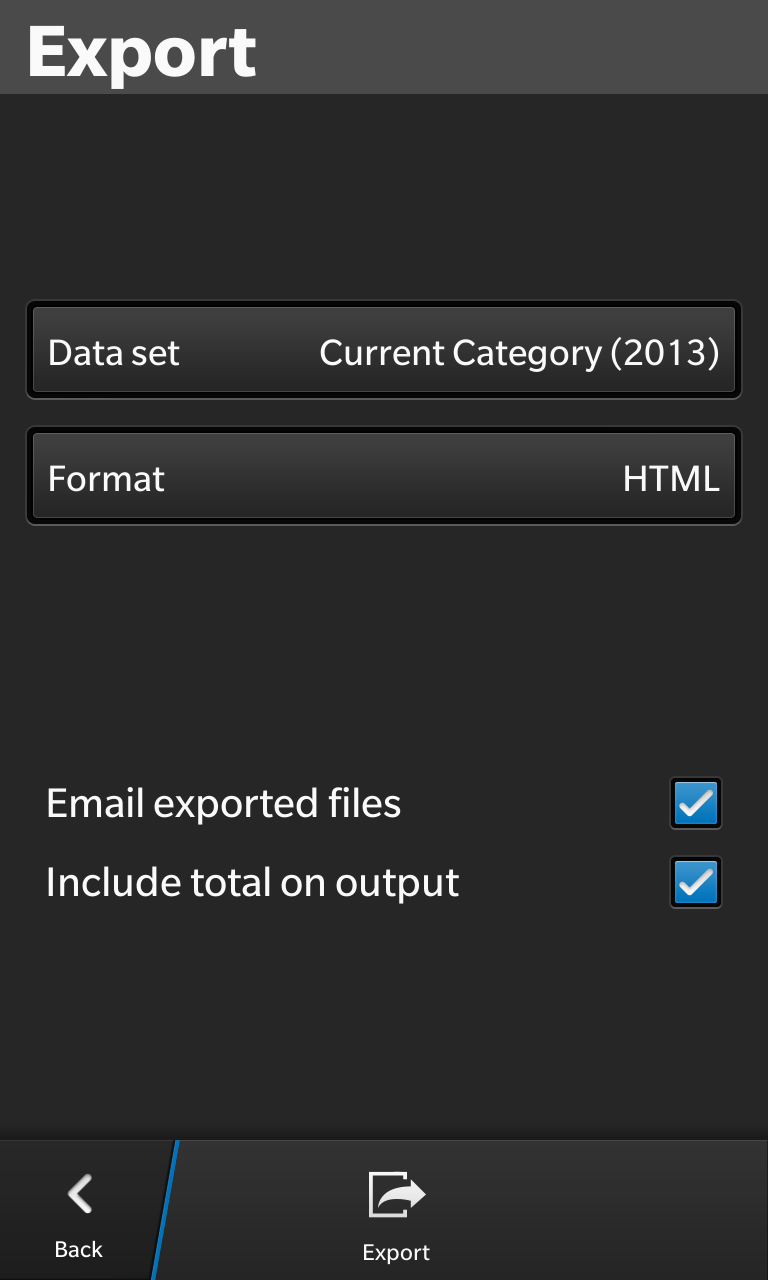
When exporting it has always been possible to share the resulting file over email, but you can now share the file through other apps such as BBM, the built in Remember app, NFC, or Box. Also if you are exporting to both a .csv and a .html file you can now share both of them at the same time over email. There is also an option for exports to include the mileage total in the header when exporting a single category worth of data.
About Mileage Tracker
Mileage tracker is a free app designed to help you track the miles you drive on each trip for use on tax deductions, accounting, or employee reimbursements. Instead of keeping this information charted on your computer, it makes much more sense to be able to track this directly on your phone, which you normally would have with you in the car already.
Trips can be grouped into categories, and edited (or deleted) at a later date. Following a one time in-app payment you can export your data into an Excel compatible .csv format and a pretty (and sortable) .html format.
With sales of BlackBerry 10 phones closer to 2.7M in the quarter, my estimate had a margin of error of 87%. I would have considered anything less then 10% to be a success. Clearly I was no where close and some of my assumptions were wrong.
I don’t plan on giving up. I now have more data in order to help me make a better prediction for next quarter. Lets hope that the next estimate is closer to the mark.
Starbeams has been updated to version 1.2 in BlackBerry World and the Windows 8 Store. This new version adds 10 new levels and the BlackBerry 10 version also gets a swipe-down menu.
About Starbeams
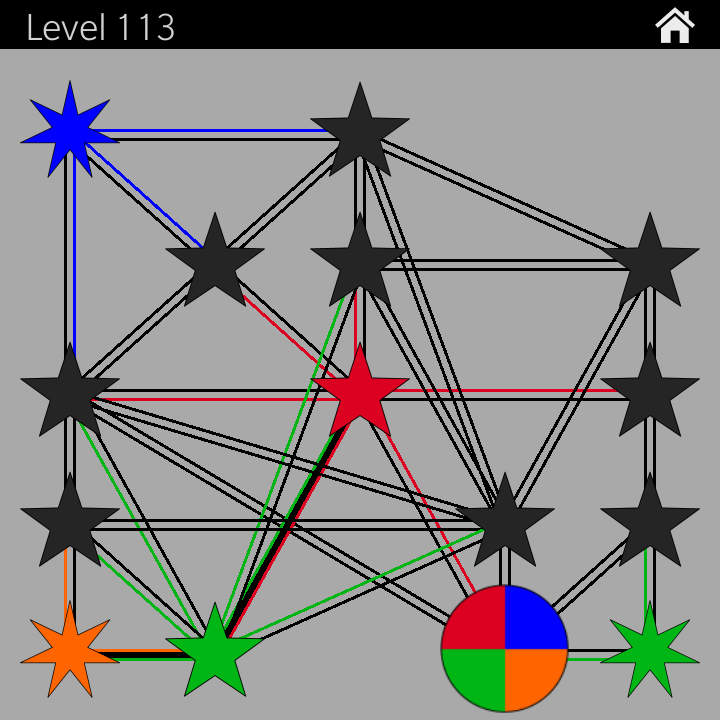
The object of the game is to assign colors to each star in order to ensure that none of the stars are connected to another star of the same color. The game starts off easy, but quickly gets more complex, adding more colors and seven pointed stars that can not be changed.
New in Version 1.2
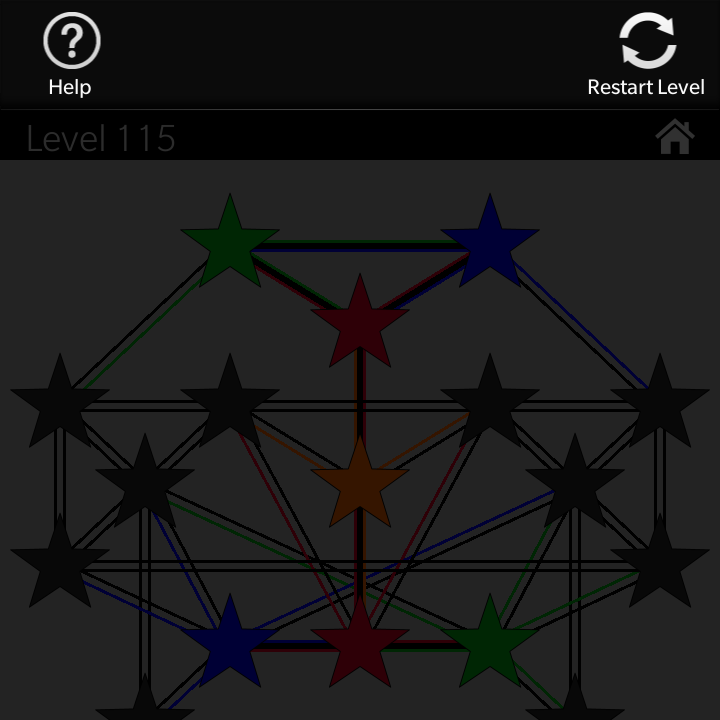
This versions adds levels 111-120 to the game. Additionally there is now a swipe-down menu that allows you to restart the current level or view the how to play information. Users of the Q10 or Q5 can also restart the current level by using the ‘R’ shortcut key.
For the next week I will be at Camp Duffield, and because I will be lifeguarding I will be without my phone for most of the day, and near impossible to get in touch with. Still if you need to, leave a message and I will get back to you eventually…
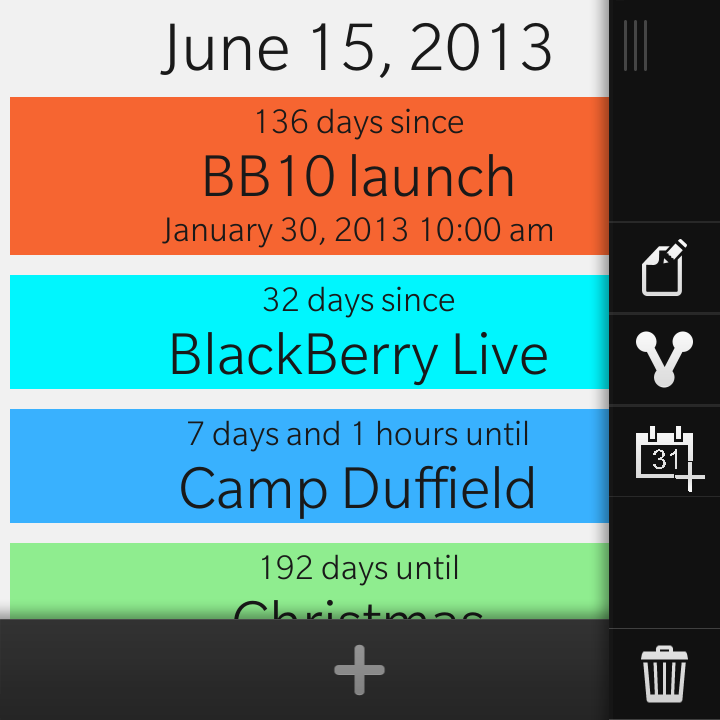
The UI that BlackBerry introduced on the PlayBook, and continued on BlackBerry 10 calls for the support of a swipe-down menu where a user can swipe down from the top bezel and gain access to additional options for the app. The design in very good in theory in that it allows a dedicated menu area without consuming any real estate on the screen or requiring a dedicated menu button. However, far too few apps make use of this menu for consumers to expect it to be there.
I have written about this problem before. Over two years ago I noticed this problem on the PlayBook and the issue has only gotten worse since then. The Cascades framework instead encourages the use of an overflow menu, and even less preinstalled apps make use of the swipe-down menu.
Major apps such as the Browser, Facebook, and the search app do not have a swipe-down menu at all. Many other first party apps such as the Pictures app, the Videos app, the Music app, and the File Manager make only trivial use of the swipe down menu offering nothing more than a link to an external help file. (Couldn’t BlackBerry at least open these help menus as a card?) Even more interesting is the Calculator app that had a swipe down menu when BlackBerry 10 first launched, but as of 10.1 no longer has one at all.
Following BlackBerry’s lead, many developers (including myself) stopped using swipe-down menus. Following the current UI guidelines for Cascades almost every app will have some sort of an action bar making it trivial for developers to just place everything else in the overflow menu where it is much more discoverable by users. At this point I honestly can not recommend that anyone rely on the swipe-down menu as the only way to do anything in their app.
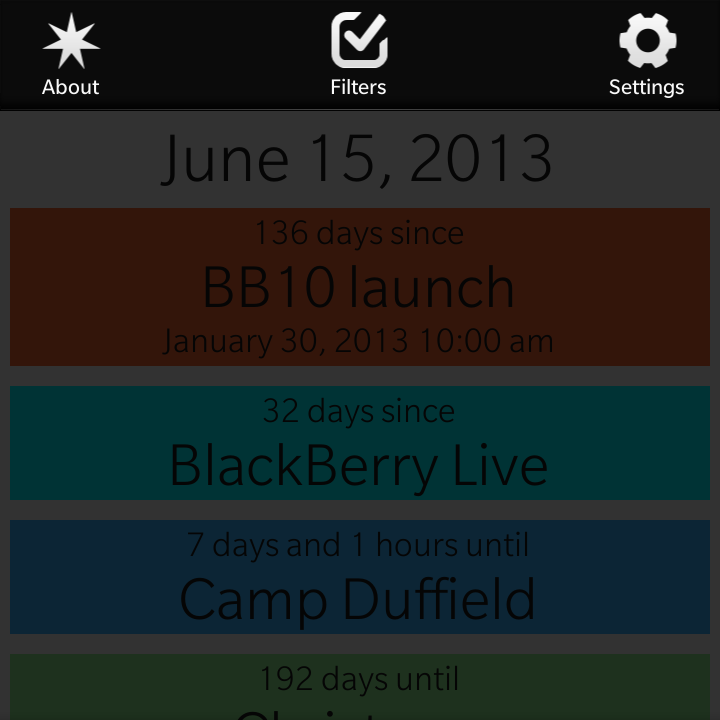
In version 5.1 of my Twinkle app (pictured) I am implementing a swipe-down menu in a Cascades app for the first time. Yet all three of the options there are redundant and are also available through the standard action bar overflow menu. At this time, this is the absolute most support that I am willing to give to the swipe-down menu. If BlackBerry wants this situation to change, they should seriously rethink their UI guidelines and what they are doing with their own apps…
Twinkle has been updated in BlackBerry World to version 5.1 for BlackBerry 10 phones and version 4.2 for BBOS phones. These new version now allow you to use pink as a background color for events, and also adds calendar integration and landscape orientation support for BlackBerry 10 phones. You can now export individual events to the device’s calendar, and you can also bulk import existing calendar events.
About Twinkle
Twinkle is an app that allows you to set and keep track of upcoming and past events. Twinkle will tell you how far away an event is, and share it with a friends through social networks. The app includes an number of options for sorting or filtering your views in order to allow you to easily be able to manage a large number of different events.
New in this version of Twinkle
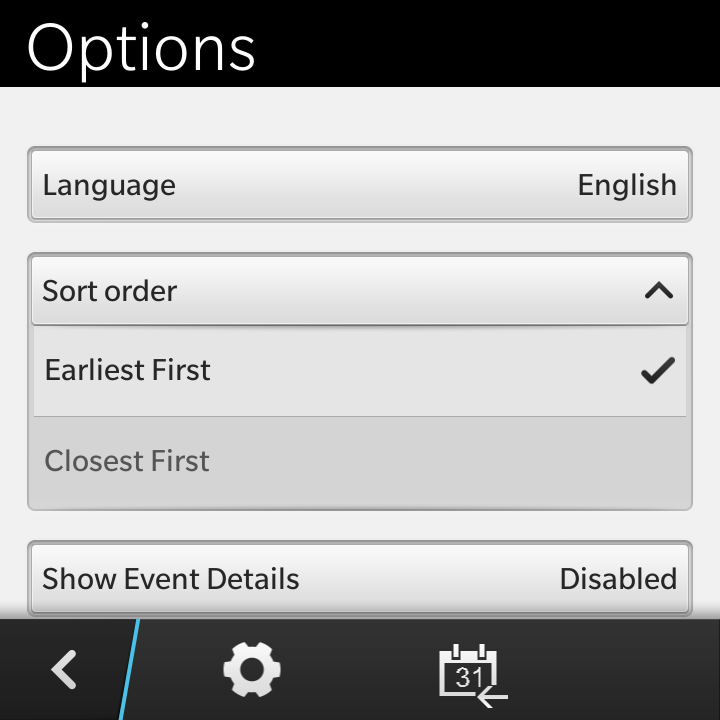
Support has been added to allow this app to work in either portrait or landscape orientation on the BlackBerry Z10. Also pink has been added as a new background color option for a events. Also new in this update is to touch and hold an event to get the option to send an event to the native calendar app. The option page, now also links to an ‘Import from Calendar’ page where you can choose to import all future or past events that you already have stored in the calendar app.